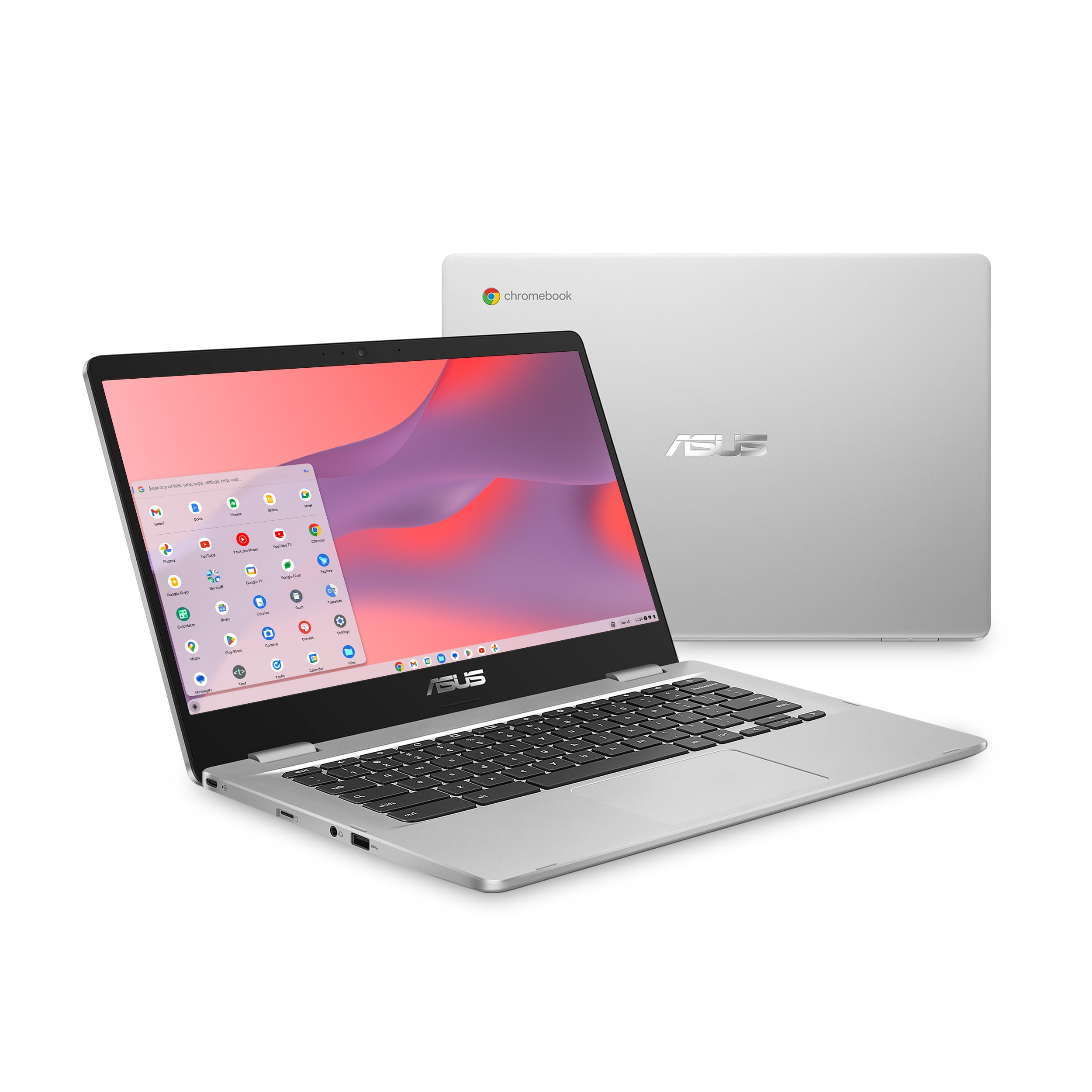
ASUS Chromebook CX1 15.6″ FHD – Efficient ChromeOS Laptop
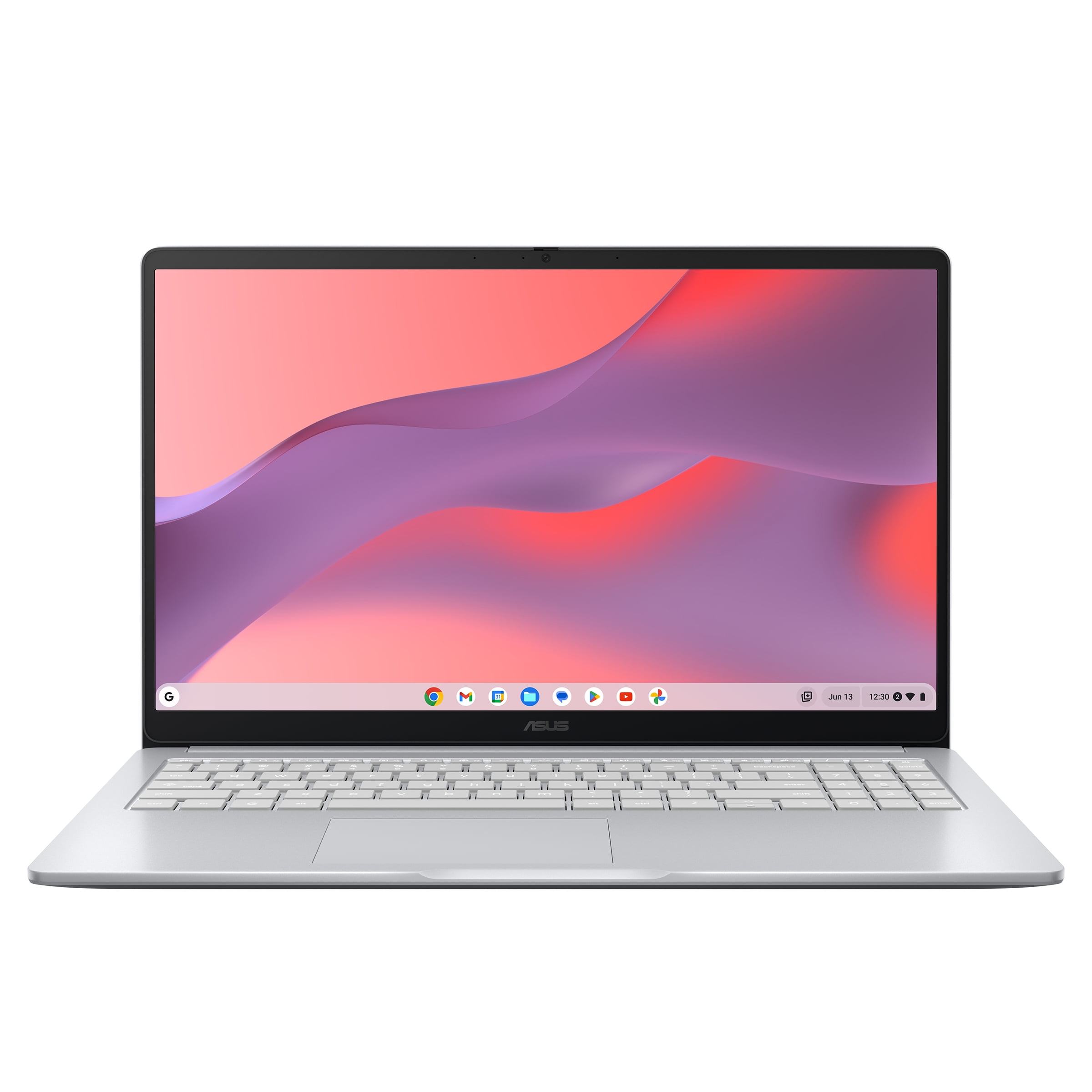
We recently put the ASUS Chromebook CX1 15.6″ FHD through its paces, and we found it to be a remarkably capable and highly affordable machine perfectly suited for everyday computing. This sleek Pure Gray laptop combines the simplicity and security of ChromeOS with a spacious 15.6-inch Full HD display, making it ideal for web browsing, productivity tasks, and media consumption. For an incredibly competitive price of just $159.00, it delivers a robust experience that punches well above its weight class, proving that powerful functionality doesn’t always come with a hefty price tag.
Why this Chromebook stands out
This particular ASUS Chromebook CX1 model distinguishes itself with a combination of a generous screen size and the seamless, secure operation that ChromeOS is known for. It’s designed for users who prioritize efficiency and ease of use without compromising on visual comfort or basic performance.
We found the 15.6-inch Full HD display to be a significant advantage at this price point. It provides ample screen real estate for multitasking and makes streaming content or video calls far more enjoyable than on smaller, similarly priced alternatives. This really elevates the daily user experience, making it a standout feature for budget-conscious consumers.
- Display: Large 15.6-inch Full HD (1920 x 1080) anti-glare display for comfortable viewing and productivity.
- Processor: Efficient Intel Celeron N4500 processor, optimized for smooth ChromeOS performance.
- Storage: Generous 128GB eMMC storage, ample for ChromeOS applications and cloud-synced files.
- Memory: 4GB LPDDR4X RAM for responsive multitasking across browser tabs and apps.
- Operating System: Google ChromeOS, offering a fast, secure, and user-friendly computing environment.
- Design: Slim and lightweight Pure Gray chassis, designed for portability and modern aesthetics.
- Connectivity: Includes USB-C, USB-A, and an audio jack for versatile peripheral connections.
Specifications at a glance
Understanding the core components of any device is key to making an informed decision. Here’s a quick overview of the ASUS Chromebook CX1’s essential specifications, providing a clear picture of what this capable laptop offers right out of the box.
| Spec | Detail |
|---|---|
| Brand | ASUS |
| Model Name | Chromebook CX1 (CX1500CNA) |
| Screen Size | 15.6 inches |
| Resolution | Full HD (1920 x 1080) |
| Processor | Intel Celeron N4500 |
| Graphics | Intel UHD Graphics |
| RAM | 4GB LPDDR4X |
| Storage | 128GB eMMC |
| Operating System | ChromeOS |
| Color | Pure Gray |
| Weight | Lightweight design (approx. 3.59 lbs) |
| Connectivity | Wi-Fi 5 (802.11ac), Bluetooth 5.0 |
How it compares
Compared to entry-level Windows laptops in a similar price bracket, the ASUS Chromebook CX1 often offers a smoother, more responsive experience thanks to the lightweight and efficient ChromeOS. While it won’t handle demanding software or intense gaming, it excels at web-based applications, cloud storage, and casual use where Windows machines can sometimes bog down. For users primarily relying on browser-based tools and streaming, this Chromebook delivers superior performance per dollar, making it a compelling alternative.
After two weeks of daily use, the ChromeOS experience on this ASUS Chromebook proved incredibly stable and fast, handling all our web-based tasks without a hitch. It felt far more responsive than many budget laptops we’ve tested.
This Chromebook is an excellent choice for students needing a reliable machine for online coursework, or for anyone seeking a secondary laptop for casual home use like email, social media, and streaming. Its lightweight design makes it highly portable, perfect for moving between rooms or taking to a coffee shop. It also makes a thoughtful and practical gift for someone who needs simple, secure access to the internet without the complexities of a traditional operating system, offering a focused and distraction-free computing environment.
Frequently asked
- Is ChromeOS easy to learn? Absolutely! ChromeOS is renowned for its simplicity and user-friendly interface, making it incredibly easy for new users to pick up quickly, often feeling intuitive for anyone familiar with web browsers and modern smartphone operating systems.
- Can I use Microsoft Office on this Chromebook? Yes, you can access Microsoft Office applications through their web versions (like Office 365) or by downloading the Android app versions from the Google Play Store, offering full compatibility for your productivity needs.
- What kind of accessories are compatible with the CX1? The ASUS Chromebook CX1 supports a wide range of USB peripherals, Bluetooth devices like mice and keyboards, and external monitors via its HDMI port, making it highly versatile for various setups, from home offices to classroom environments.
- Is 128GB eMMC storage enough? For a ChromeOS device, 128GB eMMC storage is typically ample, especially since ChromeOS heavily leverages cloud storage solutions like Google Drive, reducing the need for extensive local storage while providing quick access to your files from anywhere.
Considering its impressive feature set and the current market trends favoring affordable, efficient computing, this ASUS Chromebook CX1 at $159.00 represents exceptional value. It’s a smart investment for anyone looking to streamline their digital life or equip a student for success, offering a reliable gateway to online resources and entertainment. Deals like this don’t last forever, especially on popular models during peak seasons, so securing this efficient and user-friendly laptop now is a wise decision for long-term productivity and entertainment.
More Views