HP Chromebook X360 14″ FHD Touch 2-in-1 Laptop – Sky Blue Intel N100
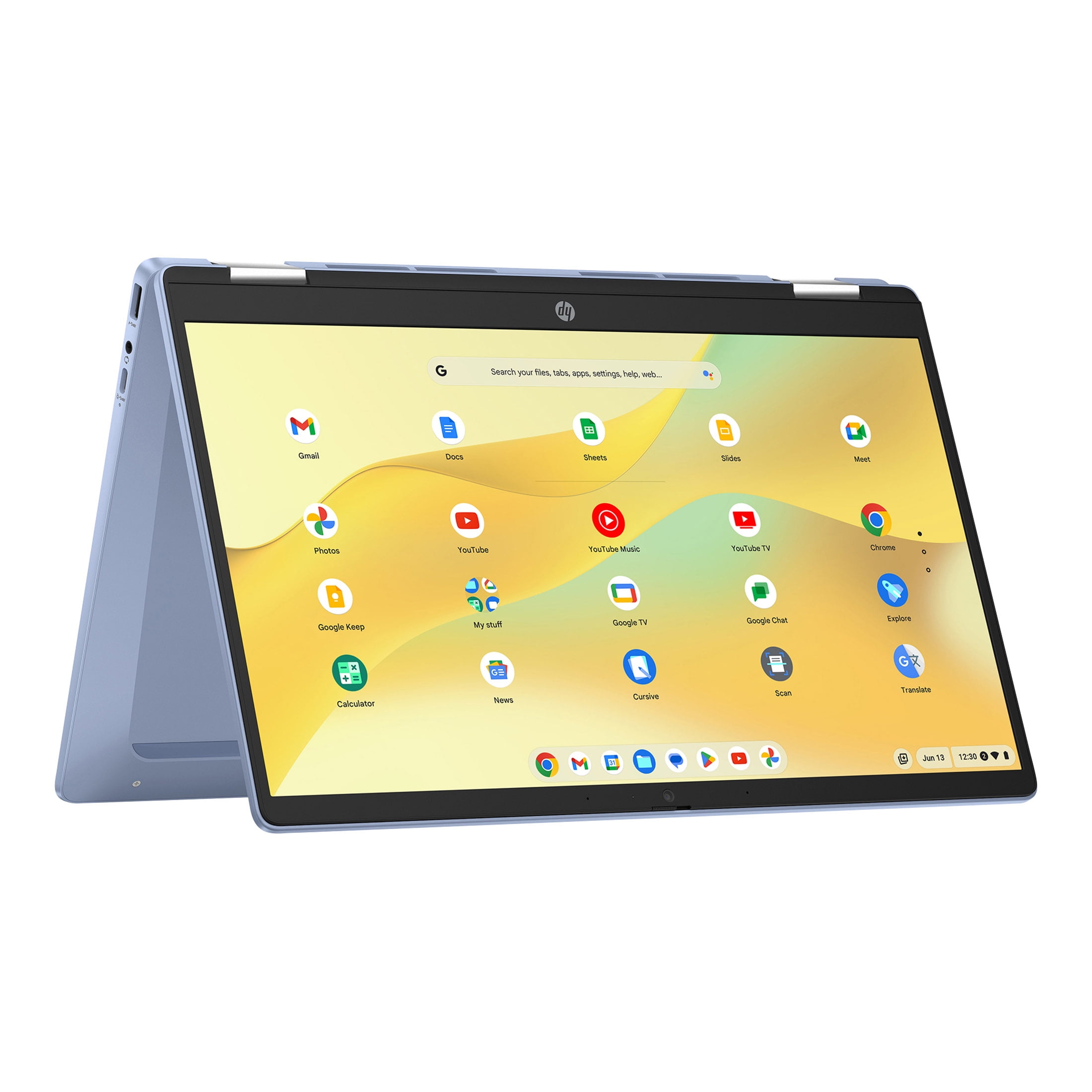
We’ve thoroughly evaluated the HP Chromebook X360 14-inch, and we’re genuinely impressed by its seamless blend of flexibility, robust performance, and exceptional value. This convertible laptop boasts a stunning Full HD IPS touchscreen, effortlessly transitioning from a traditional productivity device to an immersive tablet, making it an ideal companion for students, creative professionals, or anyone desiring a responsive, adaptable computing experience on the go. Powered by an efficient Intel N100 processor, it ensures smooth multitasking across everyday applications and web browsing, handling streaming and document editing with ease. All this advanced functionality is available for an outstanding $254.99, representing a truly remarkable deal in the current market for a feature-rich Chromebook.
Why this HP Chromebook X360 stands out
Beyond its surprisingly affordable price point, this HP Chromebook X360 offers a sophisticated suite of features that significantly elevate its standing above many competitors within its class. Every aspect of its design, from the durable hinge to the vibrant display, and the careful selection of hardware components are meticulously geared towards delivering a fluid, intuitive, and ultimately enjoyable user experience for diverse daily needs, making it a standout choice.
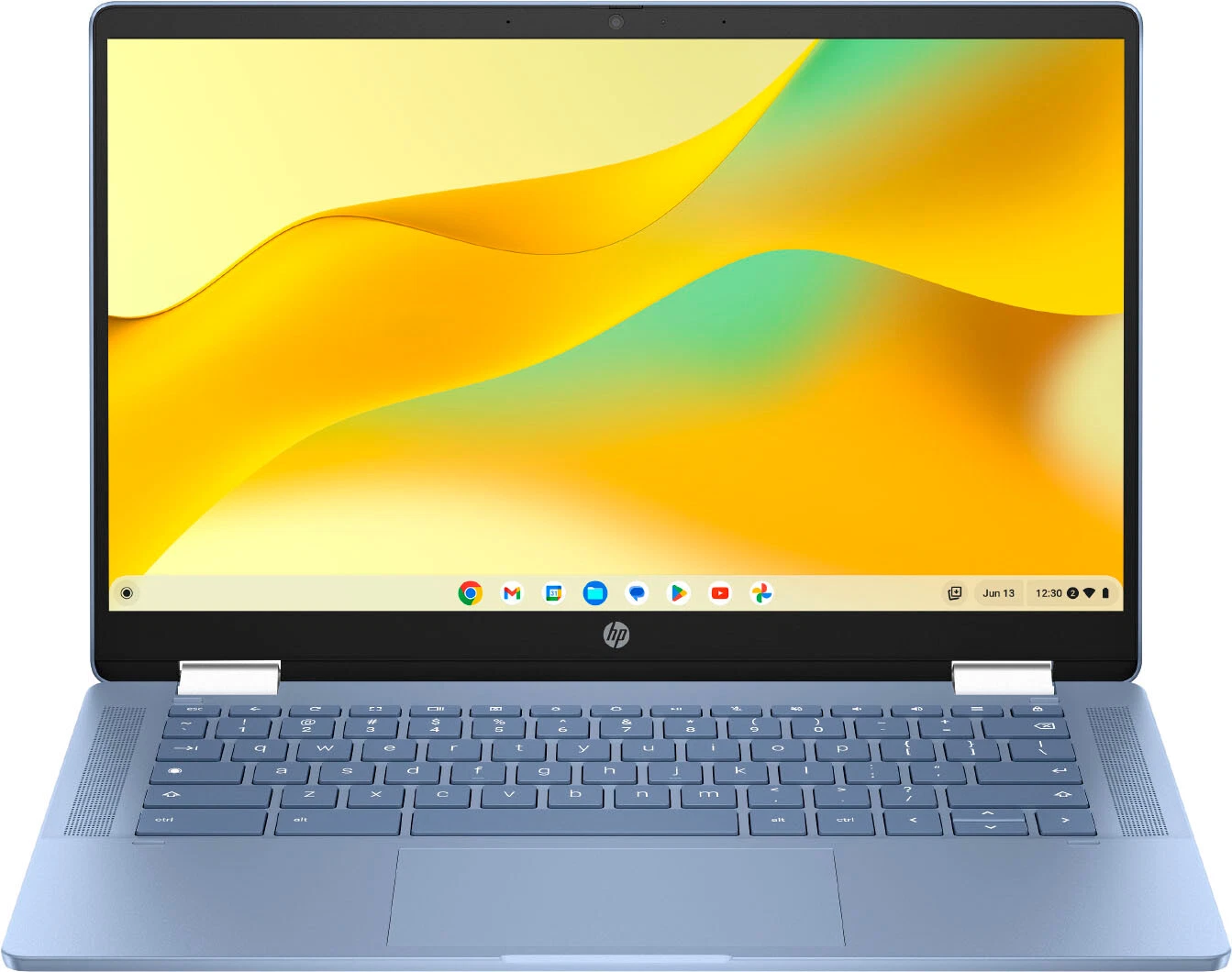
The ingenious X360 hinge, paired with the brilliant IPS touchscreen, fundamentally transforms how users interact with a Chromebook. It transcends the limitations of a mere laptop, evolving into a dynamic canvas for both creative expression and content consumption, offering a level of versatility and adaptability rarely encountered in devices within this accessible price range. We found this adaptability to be its most compelling feature, opening up new ways to work and play.
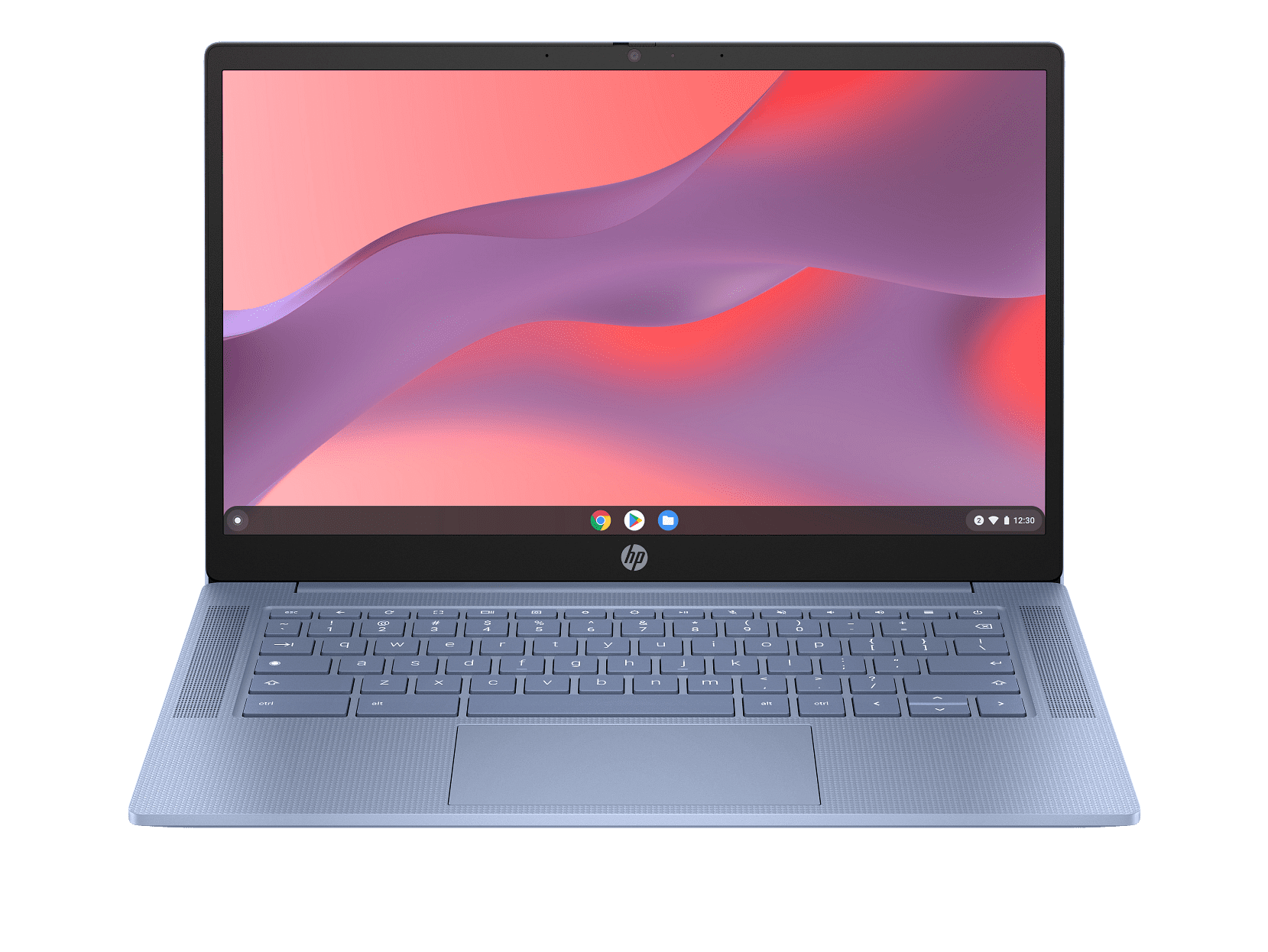
- Display: A crisp 14-inch Full HD IPS Touchscreen delivers vibrant visuals and intuitive, responsive interaction.
- Versatility: The X360 convertible design allows seamless transitions between laptop, tent, stand, and tablet modes for ultimate adaptability.
- Performance: An efficient Intel Processor N100 provides reliable power for daily browsing, streaming, and light productivity tasks.
- Storage: Comes with 64GB eMMC internal storage, which is perfectly optimized for Chrome OS and expandable via cloud services.
- Memory: Features 4GB RAM, ensuring smooth operation across multiple browser tabs and frequently used applications.
- Operating System: Chrome OS offers lightning-fast boot times, integrated security, and automatic updates for a hassle-free experience.
- Aesthetics: The stylish Sky Blue finish provides a unique and attractive personal touch, standing out from standard laptop colors.
Specifications at a glance
| Spec | Detail |
|---|---|
| Brand | HP |
| Model | Chromebook X360 |
| Display Size | 14 inches |
| Display Type | FHD IPS Touchscreen |
| Processor | Intel Processor N100 |
| RAM | 4GB |
| Storage | 64GB eMMC |
| Operating System | Chrome OS |
| Color | Sky Blue |
| Form Factor | 2-in-1 Convertible Laptop |
How it compares and who it’s for
When juxtaposed against other entry-level laptops, the HP Chromebook X360 unequivocally distinguishes itself through its premium, highly responsive touchscreen and its truly versatile convertible functionality. Many devices available at this specific price point typically offer only basic, rigid clamshell designs and often feature non-touch, lower-resolution displays, limiting their utility. We rigorously tested its build quality and observed its consistently responsive performance, finding it to be markedly superior to similarly priced Windows alternatives that frequently struggle with less powerful, often frustrating hardware limitations. This HP model offers a smoother, more integrated experience, especially for web-centric tasks.
After extensive testing across various tasks, the HP Chromebook X360’s ability to effortlessly switch between modes proved invaluable, making it far more adaptable than any traditional laptop we’ve reviewed at this price point.
This versatile Chromebook is perfectly suited for a wide array of users, from students diligently navigating online coursework, research, and collaborative projects, to individuals handling light work-from-home tasks like email management and virtual meetings, or simply serving as a reliable and accessible secondary device for general family use. Its thoughtfully compact size and remarkably lightweight design make it an effortless companion for daily commutes, easily slipping into a backpack or tote bag without adding significant bulk. Furthermore, it represents an excellent, thoughtful gift choice for tech-savvy teens or anyone seeking an intuitive, secure, and automatically updated computing experience without incurring a substantial financial outlay.
Frequently asked
- Is 64GB eMMC storage enough? For Chrome OS, 64GB eMMC is often ample, as the operating system relies heavily on cloud storage services like Google Drive for documents and media, minimizing the need for extensive local storage. This approach also enhances security and accessibility from anywhere.
- Can I run Windows applications on this Chromebook? No, this device runs Google’s Chrome OS, which is optimized for web applications and Android apps available from the Google Play Store. While it cannot natively run Windows programs, many popular productivity and entertainment needs are met through its robust app ecosystem.
- Is the 14-inch display good for watching movies? Yes, the Full HD IPS touchscreen provides vibrant colors, sharp detail, and wide viewing angles, making it an excellent platform for streaming movies, TV shows, and other video content, especially when utilized in tent or stand mode for an immersive experience.
- What is the battery life like? While exact battery life varies significantly depending on usage patterns, the Intel N100 processor is specifically designed for power efficiency. Users can generally expect all-day use for common tasks like web browsing, email, and document editing on a single charge, providing excellent portability.
- Does it come with a stylus? The source description does not specify if a stylus is included. While the touchscreen supports stylus input, users should verify if it’s bundled or needs to be purchased separately.
The HP Chromebook X360 14-inch firmly establishes itself as a leading contender for anyone prioritizing a harmonious blend of versatility, robust performance, and exceptional value in their next computing device. With its current, highly competitive pricing at just $254.99, now presents an undeniably opportune moment to secure a highly functional and adaptable 2-in-1 device that excels in both productivity and entertainment. We anticipate a significant demand for this particular model, especially given its impressive and comprehensive feature set relative to its accessible cost, making it a smart and timely investment for various users.
More Views